As a RUX Shop marketplace user you can access your company's balance, order and invoice history from the Billing option after logging into https://shop.ruxsoftware.com
To check for and settle an outstanding balance, login and review the following steps:
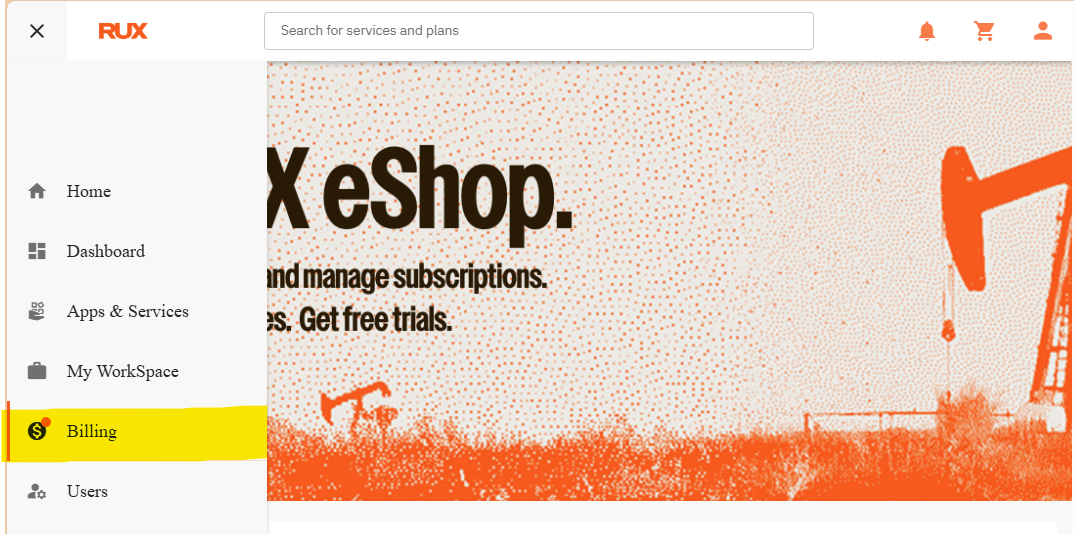
Select Billing from the menu (https://shop.ruxsoftware.com/my-billing/):
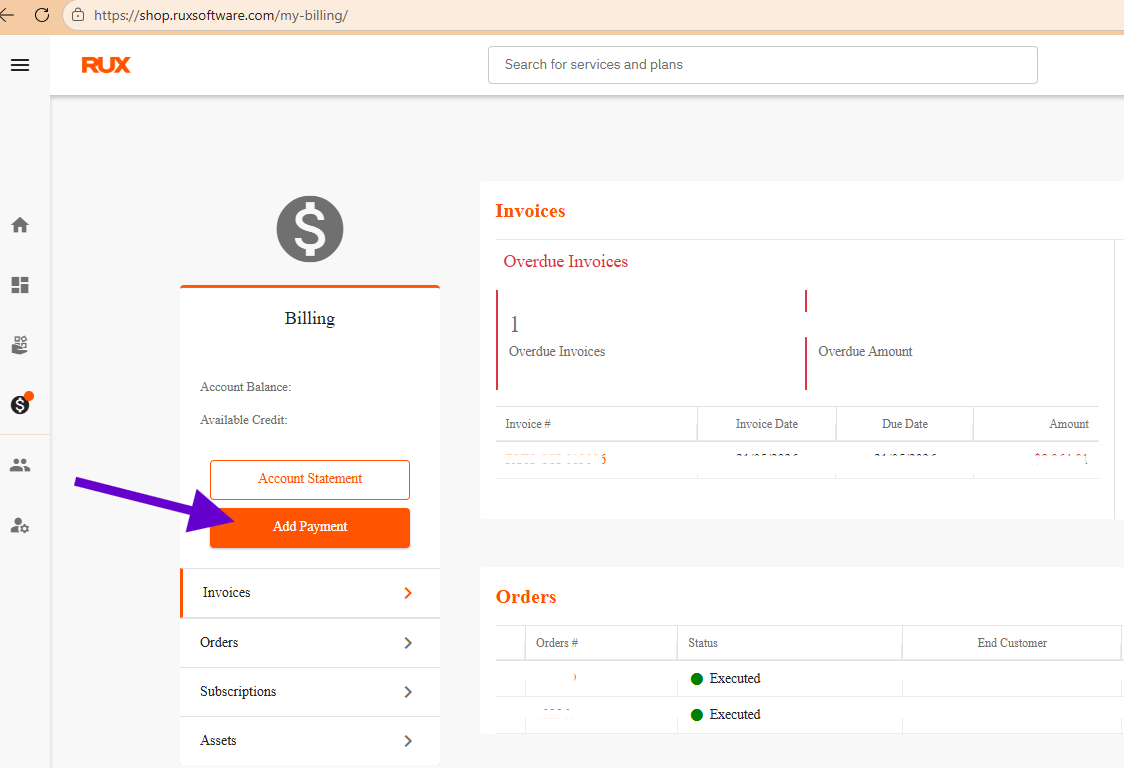
*Note, please be patient and wait for the payment window to prompt with the choice of adding a new card to your file or using an existing. The order and payment process can take a few minutes.
Was this article helpful?
That’s Great!
Thank you for your feedback
Sorry! We couldn't be helpful
Thank you for your feedback
Feedback sent
We appreciate your effort and will try to fix the article